Key Takeaways
- Choose platforms based on your niche: Twitch for gaming, YouTube for longevity, and TikTok for rapid growth.
- Invest in 5G bonding gear if you plan to stream outdoors in high-traffic areas like Soho.
- Prioritize venues with dedicated fiber lines over those offering "fast Wi-Fi."
- Use a portable power station for outdoor shoots to avoid the hunt for elusive London sockets.
Picking the Right Platform for Your London Audience
Not all platforms are created equal when you're broadcasting from the Big Smoke. If you're looking to build a community around a specific hobby or gaming, Twitch is the industry-standard live streaming platform focused on real-time interaction and gaming culture. Its infrastructure is robust, and the "Just Chatting" category is perfect for those doing walking tours of the South Bank.
On the other hand, if you want your content to have a longer shelf life, YouTube Live is the way to go. Because it's owned by Google, the integration with search is seamless. A stream titled "Best Street Food in Camden Market" will likely be found by tourists searching for dinner options long after you've gone offline. Then there's TikTok Live, which is currently the most aggressive tool for organic discovery. If you're a new creator in London, the algorithm can push your stream to thousands of local users who happen to be in the same borough, creating an instant local buzz.
| Platform | Primary Strength | Best Use Case in London | Monetization Speed |
|---|---|---|---|
| Twitch | Community Engagement | Gaming/IRL Walkthroughs | Medium (Subs/Bits) |
| YouTube Live | Searchability (SEO) | Tutorials/City Guides | Slow (AdSense/Members) |
| TikTok Live | Viral Discovery | Street Interviews/Trends | Fast (Gifts/Tips) |
Essential Gear for the Urban Streamer
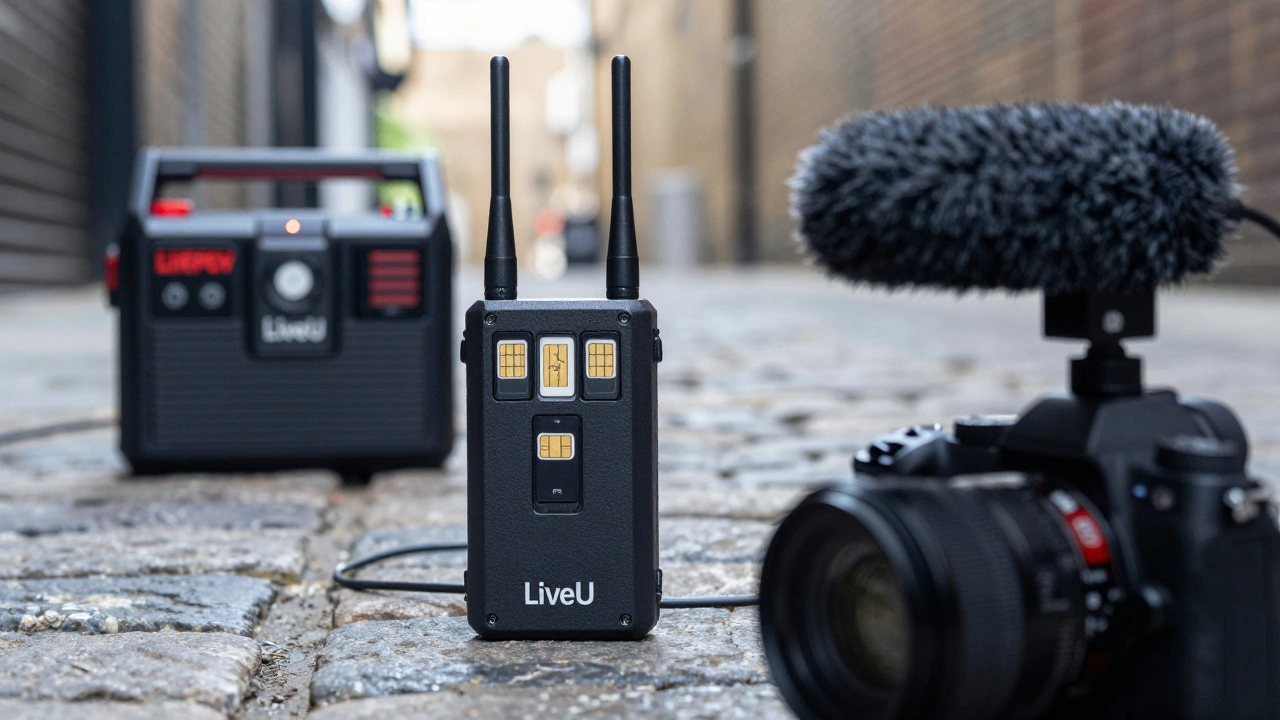
You can't just rely on a smartphone if you want to look professional. The first thing you need to solve is connectivity. London's skyscrapers create "dead zones" where 4G simply vanishes. To fix this, pro creators use LiveU, which is a cellular bonding technology that combines multiple SIM cards to create one stable, high-speed internet connection. By bonding a Vodafone, EE, and Three signal, you ensure your stream doesn't cut out while moving through the tunnels of the Underground or the narrow alleys of Shoreditch.
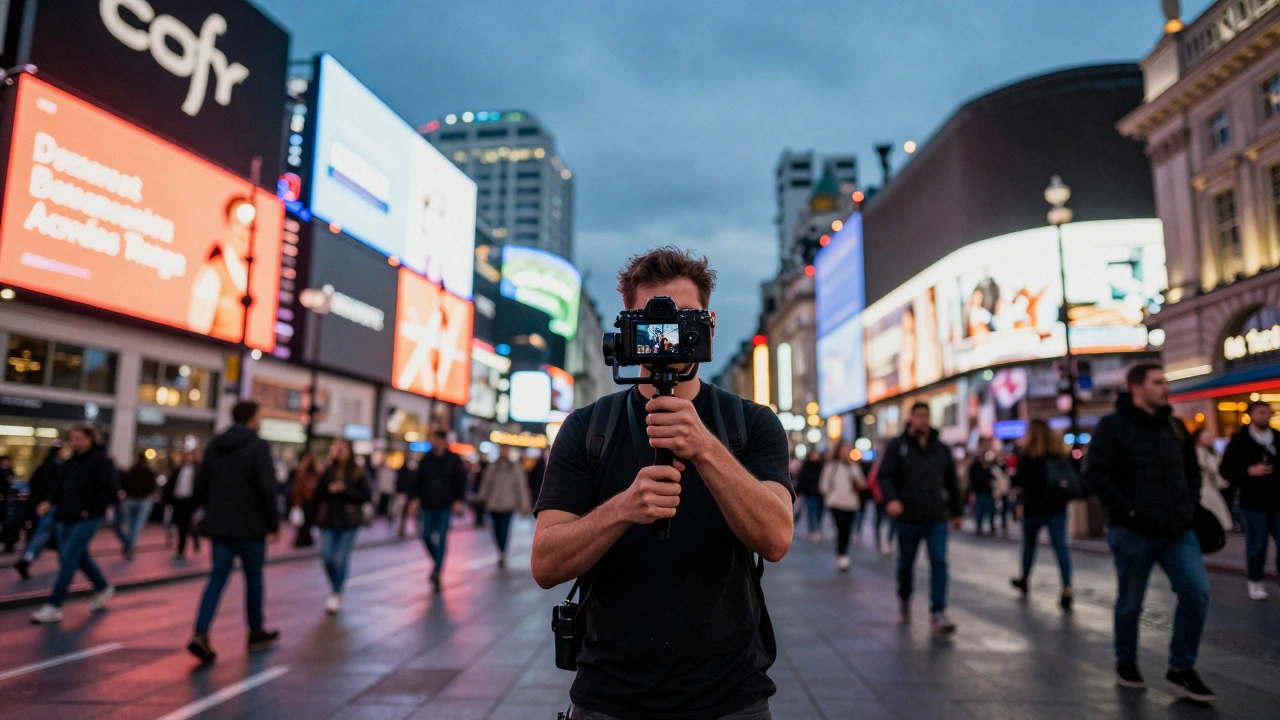
For visuals, skip the bulky DSLR unless you have a dedicated camera operator. A Sony ZV-1 or a high-end mirrorless camera with an articulating screen allows you to monitor your frame while walking. Pair this with a DJI OM 6 gimbal to eliminate the shake from walking on London's uneven pavements. If you're doing an interview in a noisy area like Leicester Square, a built-in mic won't cut it. You need a directional shotgun mic or a wireless clip-on system like the Rode Wireless GO II to isolate your voice from the roar of the crowds.
Don't forget power. A standard power bank will die in two hours of 4K streaming. Invest in a portable LiFePO4 battery station. These are heavier but can keep a laptop and a lighting rig running for an entire day at a pop-up event in Hackney Wick without needing to find a wall plug.
Finding the Best Venues for Streaming
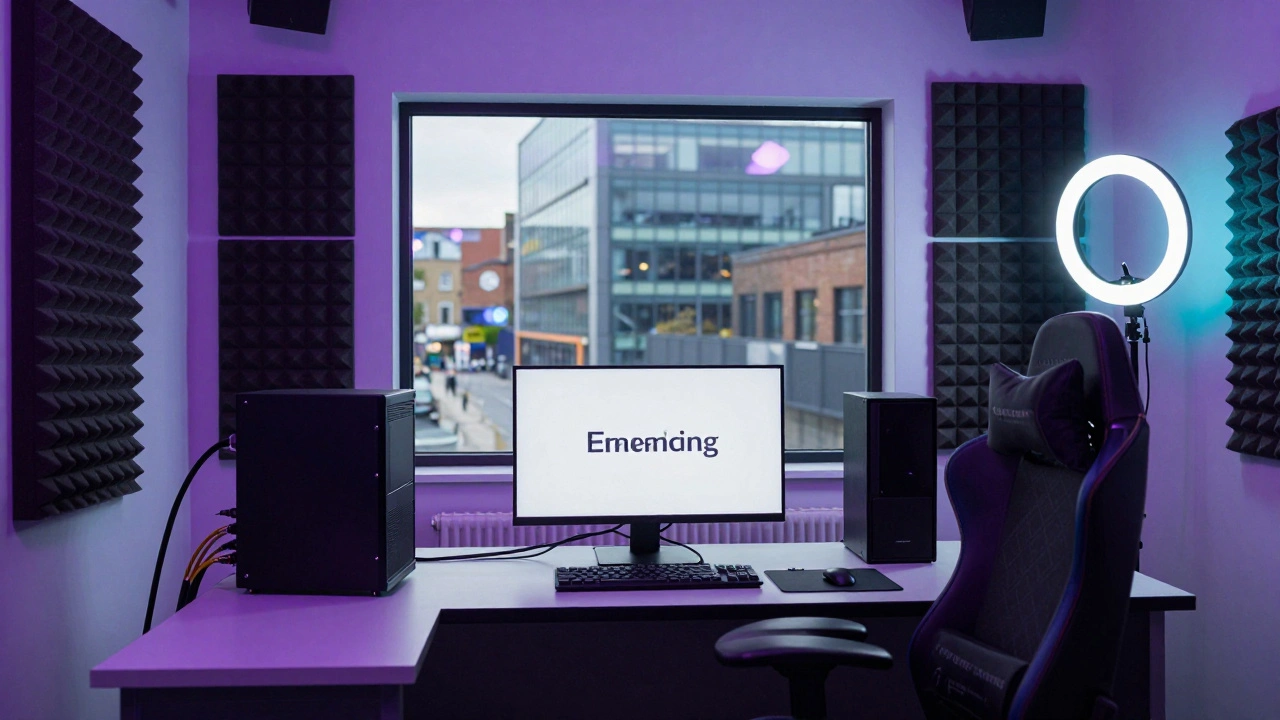
Where you stream is as important as what you use. If you're tired of your bedroom background, London has a massive array of Streaming Studios. These are purpose-built spaces with acoustic treatment and symmetrical gigabit fiber. Look for studios in East London, particularly around Old Street, where the tech hub has led to a surge in high-spec creator spaces.
When booking a venue, don't ask "do you have Wi-Fi?" Everyone has Wi-Fi. Instead, ask for the "upload speed" and whether they have a "dedicated VLAN" for creators. A venue might have 100Mbps download, but if the upload is only 10Mbps and shared with fifty other people, your stream will lag and buffer. You want a venue that offers at least 20Mbps of dedicated upload speed to maintain a 1080p 60fps signal without drops.
For a more organic feel, consider "hybrid venues" like gaming cafes or eSports lounges. These spots are already wired for low latency. If you're hosting a community event, places that offer a mix of a lounge area and a professional broadcast booth are ideal. This allows you to switch from a casual chat to a high-production segment without moving your entire gear setup across the room.
Navigating Legalities and Permissions
London is a city of rules. If you're streaming in a public park or a shopping mall, you might run into trouble. While filming for personal use is generally fine, "commercial live streaming" is a grey area. Most shopping centers in the West End have strict policies against tripods and professional lighting. If you're using a gimbal and a phone, you'll usually fly under the radar. But the moment you set up a ring light and a tripod, security will likely ask you to move along.
For a smoother experience, look for "creator-friendly" zones. Some districts, like the Southbank Centre, are more lenient with artists and creators. If you're planning a large-scale production, it's worth applying for a filming permit from the local council. It might cost a bit of money, but it prevents your gear from being confiscated or your stream being cut short by a security guard.
Pro Tips for a Successful London Broadcast
Timing is everything. If you're streaming a "city vibe" walk, avoid the 8:00 AM rush hour unless the commute is the point of your content. The noise levels in the Tube stations during peak hours are deafening and can blow out your audio levels, even with a high-quality limiter. Instead, aim for mid-morning (10:00 AM to 11:30 AM) when the lighting is softer and the crowds are manageable.
Another trick is to use "local anchors." Find a recognizable landmark and stay there for ten minutes to allow your audience to gather. Don't just walk and talk; stop and interact with the environment. Use the Google Maps API or a similar tool to share your live location with your viewers, making the experience more immersive and interactive.
Do I need a permit to live stream on the streets of London?
For casual streaming with a phone or small camera, you generally don't need a permit. However, if you use professional equipment like tripods, large lights, or block pedestrian traffic, you will likely be stopped by security or police. For professional commercial shoots, a permit from the local borough council is highly recommended to avoid fines or equipment seizure.
Which mobile network is best for streaming in Central London?
No single network is perfect. EE generally has the best raw speed in the city center, but Vodafone often has better penetration inside older buildings. For the most reliable stream, professionals use cellular bonding (like LiveU) to combine signals from multiple networks, ensuring a fallback if one carrier drops.
What is the minimum upload speed required for a 1080p stream?
To maintain a stable 1080p 60fps stream at a decent bitrate (around 6,000 kbps), you need a minimum upload speed of 10 Mbps. However, because network speeds fluctuate, it is safer to have 20 Mbps or more to avoid buffering and dropped frames.
Are there any free streaming studios in London?
Fully free professional studios are rare. However, some libraries and community centers offer basic recording spaces. Your best bet is to look for "co-working spaces" that offer a free trial day, which sometimes include small podcast or streaming booths.
How do I deal with wind noise when streaming outdoors?
Use a "deadcat" or windjammer. This is a faux-fur cover that fits over your microphone and breaks up the wind before it hits the capsule. Without one, the wind tunnels created by London's architecture will create a loud popping sound that makes your audio unlistenable.
Next Steps for New Creators
If you're just starting, don't buy the most expensive gear immediately. Start by testing your connection in different parts of the city using your current phone. Identify the "dead zones" in your favorite neighborhoods. Once you've found your niche-whether it's architecture, food, or gaming-invest in audio first. People will forgive a slightly blurry image, but they will leave a stream instantly if the audio is scratchy or muted.
For those moving into the pro tier, start networking with other London-based creators. Joining a local creator collective can give you access to shared studio spaces and bulk discounts on gear rentals. Finally, keep an eye on the changing regulations for street filming in the city, as these can shift depending on the current security climate in the West End.